
Blog
Best Home Security Cameras for Every Budget

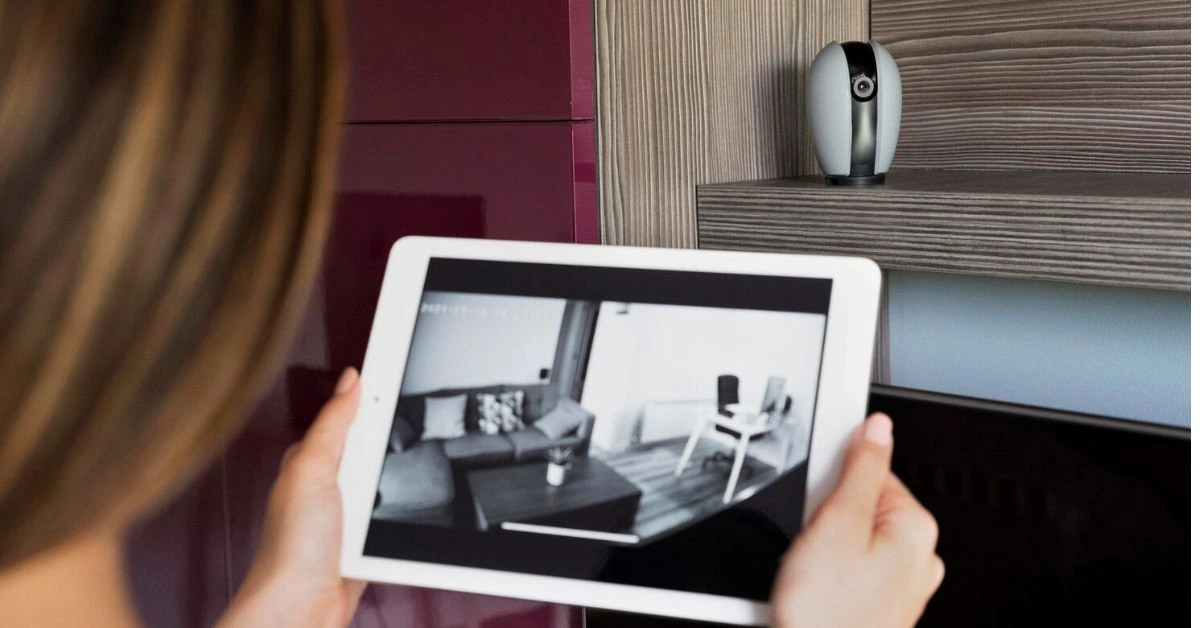
When it comes to protecting your home, cameras are often the first upgrade homeowners consider. But with so many features, brands, and price points available today, choosing the best home security cameras can feel overwhelming.
The good news is that modern video surveillance options are more flexible than ever. Whether you want a simple indoor camera or a full outdoor system with advanced night vision, there are reliable choices for every budget and home size.
This guide breaks down what to look for, how much to expect in pricing, and how to find cameras that fit both your security needs and your overall home security system cost.
Why Cameras Are Essential in Modern Home Security
Today’s home security systems rely heavily on cameras because they provide something alarms alone cannot: visibility.
The right cameras allow you to:
- Monitor your home in real time
- Receive motion alerts instantly
- Record suspicious activity
- Check deliveries or visitors remotely
- Deter intruders before a break-in occurs
When combined with alarm systems, Smart Locks, and professional monitoring, cameras become the backbone of a complete protection strategy.
Budget Breakdown: What Cameras Really Cost
Understanding home security system cost helps you choose the right level of protection without overspending.
Budget Cameras ($30–$100 per camera)
Best for: basic indoor monitoring
Features may include:
- HD video
- Motion detection
- Mobile app access
- Basic cloud storage options
These cameras are ideal for apartments or small homes where you want simple wireless monitoring without a large equipment investment.
Mid-Range Cameras ($100–$250 per camera)
Best for: indoor/outdoor protection with better reliability
Common features:
- 2K or higher video quality
- Enhanced night vision
- Two-way audio
- Weather-resistant outdoor/indoor design
- Smart motion alerts (people vs general motion)
This range offers the best balance between performance and overall pricing for most homeowners.
Premium Cameras ($250–$500+ per camera)
Best for: full-property video surveillance
Advanced features:
- 4K resolution
- Color night vision
- Built-in spotlight or siren
- Local storage options
- AI detection for people, vehicles, and packages
- Integration with professional monitoring
If you’re building a larger system with multiple cameras, this tier will increase your total equipment cost but provide the highest level of security.
Indoor vs Outdoor Cameras: What You Need
Indoor Cameras
Best for:
- Monitoring pets or children
- Checking activity while you’re away
- Entryway or main living areas
Look for compact wireless models with privacy controls and clear audio.
Outdoor Cameras
Best for:
- Front door and driveway
- Backyard or side access points
- Garage and perimeter coverage
Outdoor units should include:
- Weatherproof design
- Wide viewing angle
- Strong night vision
- Motion-triggered recording
Outdoor cameras are one of the most effective deterrents against theft and unauthorized access.
Wired vs Wireless: Which Is Better?
Most homeowners today choose wireless cameras because they are easier to install and expand.
Wireless Cameras
Pros:
- Simple DIY setup (often no installation fee)
- Flexible placement
- Easy to move or add more cameras
Cons:
- Depend on Wi-Fi strength
- May require battery charging or replacement
Wired Cameras
Pros:
- Stable connection
- Continuous power
- Ideal for larger homes or permanent installations
Cons:
- Higher installation cost
- Often requires professional setup
If you’re trying to keep your overall home security system cost low, wireless cameras are usually the best option.
Night Vision: A Must-Have Feature
Security issues rarely happen during daylight hours. Strong night vision is critical for effective protection.
Look for:
- Infrared night mode
- Color night vision (premium models)
- Motion-triggered spotlight options
Clear nighttime footage can make a major difference in identifying people or vehicles if an incident occurs.
Storage & Monthly Monitoring Costs
Another factor that affects total pricing is how your footage is stored.
Options include:
- Free local storage (SD card or hub)
- Cloud storage subscriptions ($3–$15/month)
- Plans bundled with monthly monitoring
If you already pay for professional monitoring, some providers include camera storage as part of the package. Otherwise, cloud storage becomes part of your ongoing home security system cost.
How Many Cameras Do You Really Need?
For most homes:
- Front door
- Backyard or side entrance
- Main indoor living area
Larger homes may need additional coverage for garages, hallways, or multiple entry points by their cable TV.
Instead of buying a large package immediately, many homeowners start with two or three cameras and expand over time to manage equipment costs.
Choosing the Right Cameras for Your Budget
When comparing the best home security cameras, focus on:
- Video quality (at least 1080p)
- Reliable motion alerts
- Strong night vision
- Weather resistance for outdoor use
- Compatibility with your existing Home Security System
- Total cost including storage or monthly home security monitoring
Balancing features with long-term costs ensures you don’t overspend on technology you won’t fully use.
Get Home Utilities’ Home Security today to compare camera options, equipment packages, and monitoring plans to find the best home security cameras for your budget and protection needs.
Final Thoughts
The best home security cameras are the ones that match your home, your routine, and your budget. Whether you choose a simple indoor wireless camera or a full outdoor video surveillance setup with advanced night vision, today’s technology makes reliable protection more accessible than ever.
By understanding equipment costs, storage options, and how cameras fit into your overall home security system cost, you can build a system that delivers both strong protection and long-term value.
