
Blog
Cable & Internet Installation: What to Expect

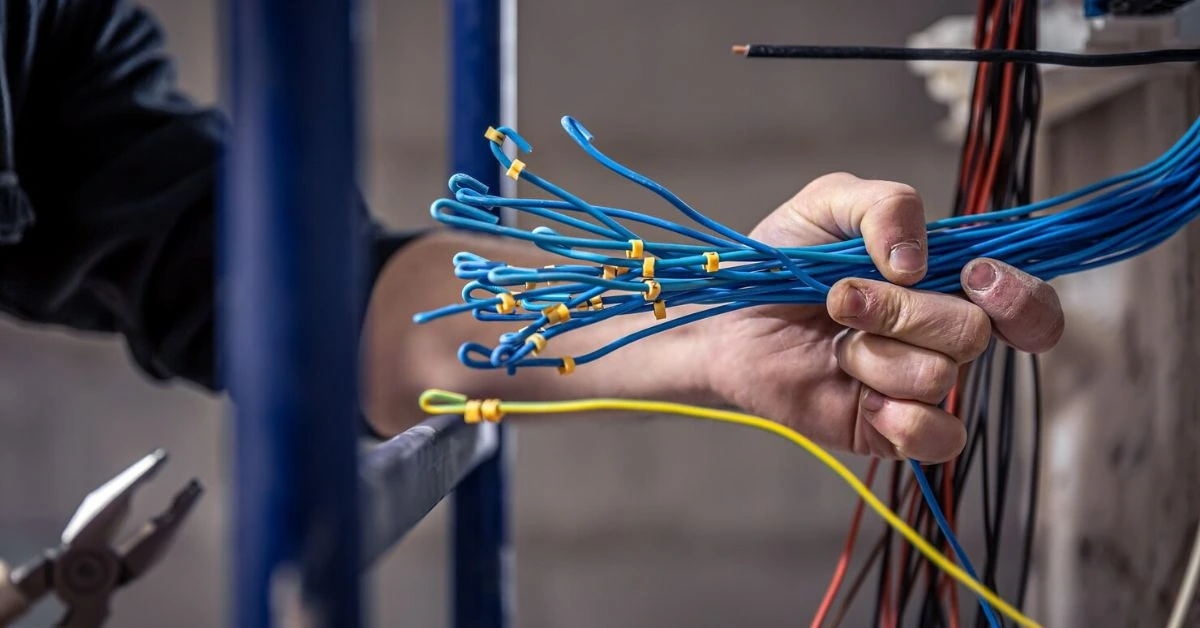
Signing up for a new cable TV or internet plan is exciting faster speeds, clearer channels, fewer interruptions. But once you place the order, the next big question usually pops up: what actually happens during installation?
If you’ve never gone through it (or it’s been a while), the cable installation process can feel a bit mysterious. Will a technician need to drill holes? How long will it take? What fees should you expect? And what can you do to make it go smoothly?
Let’s walk through the entire process so you know exactly what to expect before, during, and after installation day.
Step 1: Scheduling Your Installation Appointment
Once you choose your plan, the provider typically offers a few installation options.
Professional Installation vs Self-Install
Most providers offer:
- Professional installation: A technician comes to your home
- Self-installation: You set up the equipment yourself using a kit
Professional installs are common when:
- Your home has never had cable or internet service
- You’re adding cable TV with set-top boxes or a DVR
- You’re switching to fiber or upgrading speeds
Self-install kits usually work best when:
- Your home already has active cable wiring
- You’re only installing internet
- You’re comfortable connecting equipment
During scheduling, you’ll choose an appointment window, often ranging from two to four hours. Some providers now offer evening or weekend slots, but availability varies by area.
Step 2: Preparing for the Technician Visit
If you’ve scheduled a professional install, a little prep goes a long way.
What You Should Do Before Installation Day
To keep things smooth:
- Make sure someone 18+ is home during the appointment
- Clear access to walls, outlets, and cable entry points
- Decide where equipment should be placed
- Secure pets if needed
Technicians can’t move heavy furniture or enter locked spaces, so preparing the area helps avoid delays.
Step 3: What Happens During the Technician Visit
On installation day, the technician usually follows a standard sequence.
Initial Assessment
The technician starts by:
- Checking existing wiring
- Identifying signal strength
- Confirming equipment placement
- Verifying service availability at your address
If your home already has usable wiring, this step is quick. If not, it may take longer.
Running or Activating the Cable Line
If needed, the technician may:
- Run a new coax or fiber line from the utility connection
- Drill a small hole to route the cable inside
- Install a wall outlet or connection plate
This part often worries homeowners, but drilling is usually minimal and done neatly.
Equipment Setup
Once the connection is ready, the technician handles:
- Modem installation
- Router placement
- Cable box and DVR hookup
- Equipment setup and activation
They’ll power everything on, connect it to the network, and make sure it communicates properly with the provider’s system.
Testing the Service
Before leaving, the technician will:
- Test internet speeds
- Check TV channels
- Confirm phone service (if included)
- Ensure Wi-Fi connectivity
This is the time to speak up if something doesn’t look right.
Step 4: Understanding Installation Fees
Installation isn’t always free and fees can vary.
Common Installation Charges
You may see:
- Professional installation fee (often $50–$100)
- Activation fee (one-time charge)
- Equipment setup fees for additional TVs or DVRs
Some promotions waive these fees, while others offer bill credits instead.
Always review your order summary so there are no surprises on your first bill.
Step 5: Self-Install Setup (If You Choose DIY)
If you opt for self-install, your provider ships a kit to your home.
What’s in a Self-Install Kit?
Typically included:
- Modem or gateway
- Router (if not built-in)
- Cables and power adapters
- Step-by-step instructions
Setup usually involves:
- Connecting the modem to the wall outlet
- Powering it on
- Connecting the router
- Activating service via app, website, or phone
Most self-installs take 30–60 minutes.
Step 6: After Installation What to Check
Before you consider the job done, do a quick review.
Post-Installation Checklist
Make sure:
- Internet speeds match your plan
- All TVs receive the correct channels
- DVR features work properly
- Wi-Fi covers the areas you need
- Equipment fees match what you agreed to
If something’s off, contact support right away fixes are easier early on.
Common Installation Delays (and How to Avoid Them)
Sometimes installs take longer than expected. Common reasons include:
- Old or damaged wiring
- Inaccessible entry points
- Apartment or HOA restrictions
- Missed appointments
You can reduce issues by:
- Confirming permissions in advance
- Being home on time
- Communicating clearly with the technician
Installation and Equipment: How They Work Together
Your installation experience often ties back to equipment choices.
If you’re renting equipment:
- The technician sets everything up
- Compatibility is guaranteed
If you’re buying equipment:
- The technician may verify compatibility
- Some providers require pre-approved devices
This connects closely to the buy vs rent equipment decision, especially for internet service.
How Long Does the Cable Installation Process Take?
On average:
- Self-install: 30–60 minutes
- Professional install: 1.5–3 hours
- Complex installations: Half a day or more
Fiber installations or first-time service usually take longer than simple upgrades.
Final Thoughts: Know Before You Install
The cable installation process doesn’t have to be stressful. When you know what to expect appointments, technician visits, equipment setup, and fees you can prepare ahead of time and avoid surprises.
Whether you’re upgrading internet speeds, adding cable TV, or bundling services, understanding the process puts you in control from day one.
Ready to Get Connected?
If you’re comparing providers or planning a new installation, Get Home Utilities offers you a simple way to explore options, understand fees, and choose services that fit your home.
Visit the Get Home Utilities Internet page or the Cable TV page to find plans that make installation and everything after it easy and hassle-free.
