
Blog
Buy vs Rent Equipment for Cable & Internet

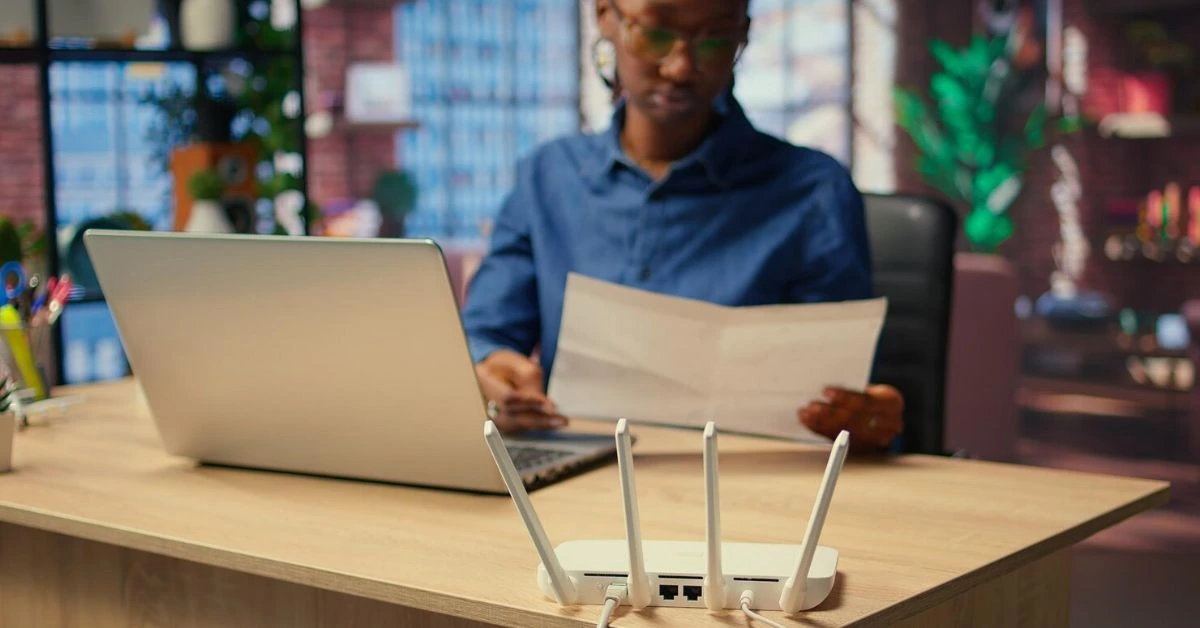
When you sign up for cable TV or internet service, there’s one decision that often gets overlooked but can quietly impact your monthly bill for years: buy vs rent equipment.
Providers make it easy to rent what you need. A modem here, a router there, maybe a cable box or DVR added on without much discussion. But over time, those small monthly fees can add up fast. On the flip side, buying your own equipment sounds appealing, but it’s not always the right move for everyone.
So how do you decide what actually makes sense for you? Let’s break it down in plain terms so you can choose the option that fits your budget, your setup, and how long you plan to keep your service.
What Equipment Are We Talking About?
Before comparing costs, it helps to know what equipment typically comes into play with cable and internet services.
Most households deal with some combination of:
- Modem: Connects your home to your internet provider
- Router: Distributes internet throughout your home via Wi-Fi or Ethernet
- Cable box: Delivers cable TV channels to your television
- DVR: Records live TV for later viewing
Some providers bundle these devices into one unit, while others charge separately for each piece.
Renting Equipment: The Easy Option
Renting is the default choice for many people, mostly because it’s convenient.
Pros of Renting Equipment
No upfront cost
You don’t have to spend hundreds of dollars on day one. Equipment fees are spread out monthly.
Provider support included
If something breaks, the provider replaces it. No troubleshooting compatibility or warranties on your end.
Automatic upgrades
When technology changes, providers usually swap out older devices for newer models at no extra upfront cost.
Guaranteed compatibility
You never have to worry about whether your modem or router works with your service it already does.
Cons of Renting Equipment
Higher cost over time
This is the biggest drawback. A $15 monthly rental fee doesn’t feel like much until you realize that’s $180 per year, every year.
Fees rarely go away
Unlike cable promo rates that expire, equipment fees usually stay as long as you have service.
Limited customization
Provider-issued routers and DVRs often have fewer features than devices you could buy yourself.
Buying Equipment: The Long-Term Play
Buying your own equipment gives you more control, but it requires a bit more effort upfront.
Pros of Buying Equipment
Lower cost over time
This is where buying shines. A modem or router often pays for itself within 12–24 months, depending on rental fees.
Better performance options
When you buy your own router, you can choose stronger Wi-Fi coverage, faster speeds, or features like parental controls and advanced security.
No monthly rental fees
Once you own the equipment, that recurring charge disappears from your bill.
Freedom to switch providers
Owned equipment can sometimes be reused if you change providers, especially with internet gear.
Cons of Buying Equipment
Upfront expense
Buying a modem, router, or DVR can cost a few hundred dollars upfront.
You’re responsible for maintenance
If something breaks, replacing or repairing it is on you.
Compatibility matters
Not all devices work with all providers. You must ensure what you buy is approved.
Cost Over Time: The Real Comparison
The smartest way to evaluate buy vs rent equipment is to look at cost over time.
Renting Example
- Modem rental: $14/month
- Router rental: $10/month
- Total: $24/month
- Annual cost: ~$288
- Five-year cost: ~$1,440
Buying Example
- Modem purchase: $150
- Router purchase: $200
- Total upfront: $350
- Five-year cost: ~$350 (assuming no replacement)
Even if you replace equipment once, buying often still comes out ahead after a couple of years.
Cable Boxes and DVRs: A Different Equation
Internet equipment is easier to buy than TV equipment.
Cable Boxes & DVRs
Cable TV equipment is usually proprietary. That means:
- You often must rent the cable box
- DVR features are typically tied to provider equipment
- Buying your own DVR may limit channel access or features
In these cases, renting is usually unavoidable. However, you can still reduce costs by:
- Limiting the number of boxes
- Using one DVR instead of multiple
- Exploring streaming options instead of extra TVs
How Long Do You Plan to Keep the Service?
This question matters more than most people realize.
If you plan to:
- Move soon
- Switch providers often
- Change technology (like moving to fiber or streaming-only)
Renting might make more sense.
If you plan to:
- Stay in one place for years
- Keep the same provider long-term
- Use high-speed internet daily
Buying equipment usually delivers better value.
Internet Speed and Equipment Compatibility
Higher speeds demand better equipment. If you’re on a basic plan, older devices may work fine. But if you’re upgrading:
- Gig-speed internet
- Whole-home Wi-Fi
- Multiple devices streaming at once
Buying a modern router and modem can significantly improve performance compared to standard rental gear.
A Hybrid Approach Can Work Too
You don’t have to go all-in one way or the other.
Many people:
- Buy their modem and router
- Rent cable boxes or DVRs
This approach balances savings with convenience and is often the most practical option.
When Renting Makes More Sense
Renting may be the better choice if:
- You want zero setup or troubleshooting
- You value quick replacements over long-term savings
- You’re locked into short-term housing
- You don’t want to research compatibility
There’s nothing wrong with paying for simplicity if that’s what you prefer.
Final Thoughts: Buy vs Rent Equipment
There’s no universal winner in the buy vs rent equipment debate it depends on your priorities.
Buying saves money over time and gives you more control. Renting offers convenience, support, and peace of mind. The key is understanding the true cost over time and choosing what aligns with how you actually use your cable and internet services.
Explore Smarter Cable & Internet Options
If you’re weighing equipment costs along with plan pricing, Get Home Utilities offers you a simple way to compare services, fees, and options without the confusion.
Visit the Get Home Utilities Internet page or the Cable TV page to find plans that fit your budget and decide whether buying or renting equipment makes the most sense for your home.
