
Blog
Choosing Internet for Streaming vs Gaming vs Work

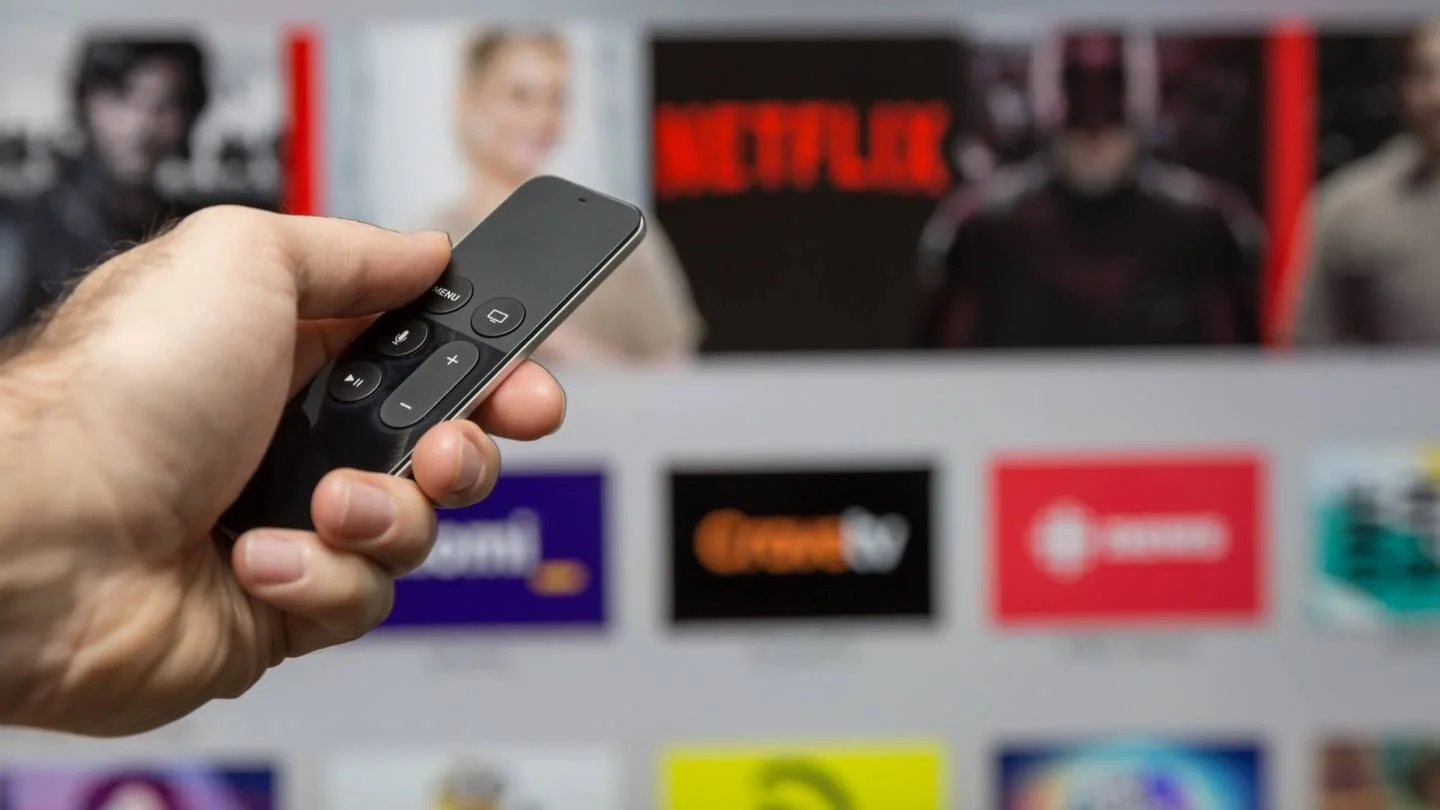
Every household uses the internet differently. Some families are all about streaming movies in 4K, while others prioritize smooth online gaming or rely on video calls for work. The tricky part is that not all internet connections are designed to handle these activities equally. Choosing the right plan means going beyond advertised speeds and considering how your daily routines impact bandwidth, latency, and overall reliability.
This guide breaks down how internet for streaming gaming and how to make sure your connection keeps up.
Streaming: The Bandwidth King
When it comes to streaming, bandwidth and download speed are everything. Platforms like Netflix, Disney+, or YouTube require steady data flow for high-quality playback.
Recommended Speeds for Streaming
- SD video: 3 Mbps per stream
- HD video: 5–10 Mbps per stream
- 4K UHD: 15–25 Mbps per stream
If your family has three people watching 4K content at the same time, you may need 75 Mbps or more just for streaming. And that’s before accounting for other devices browsing or gaming.
Streaming also eats into your data usage. A single two-hour movie in 4K can consume 7–10 GB. If your provider enforces a data cap, frequent streaming could mean overage fees or throttled speeds. Unlimited plans are usually the safest option for streaming-heavy households.
Gaming: Latency Matters More Than Speed
Unlike streaming, gaming isn’t bandwidth intensive. Most online games require less than 10 Mbps. What makes or breaks the experience is latency (ping) and jitter (fluctuations in latency).
- Latency: Measured in milliseconds, latency is the delay between your device sending data and the game server responding. A ping under 50 ms is ideal.
- Jitter: If latency constantly jumps (e.g., from 20 ms to 200 ms), your game will feel choppy and unplayable.
For competitive gamers, even a small delay can mean losing a match. Cable internet often has higher latency than fiber, while satellite suffers the most. Fiber is the gold standard because it delivers both low latency and symmetrical speeds, which help if you’re livestreaming gameplay.
Work From Home: Reliability and Upload Speed
For remote work, upload speed and stability are essential. Activities like:
- Video conferencing (Zoom, Teams, Google Meet) require 3–5 Mbps upload per participant.
- File uploads to cloud storage or company servers can easily clog low-bandwidth connections.
- VPNs and remote desktop tools demand steady throughput to avoid constant lag.
Asymmetrical plans where upload is much lower than download often frustrate remote workers. Fiber’s symmetrical speeds are ideal, ensuring video calls don’t freeze and files upload quickly.
Balancing Streaming, Gaming, and Work
In modern households, all three activities often occur at once. For example:
- One person is streaming Netflix in 4K.
- Another is gaming online.
- Someone else is on a video call for work.
This scenario requires more than raw speed it requires a plan that balances bandwidth, latency, and upload performance.
Recommended Household Bandwidth by Activity
| Household Activity |
Recommended Speed (Mbps) |
| Casual browsing/email | 5–10 |
| HD streaming | 5–10 per stream |
| 4K streaming | 15–25 per stream |
| Online gaming | 10–25 (low latency critical) |
| Video conferencing | 5–10 upload per participant |
A family of four may need 200–300 Mbps minimum to comfortably handle all three at once.
Cable vs Fiber for Mixed-Use Homes
Both cable and fiber internet can serve multi-use households, but with key differences:
- Cable internet: Strong download speeds, but limited uploads. Best if streaming dominates your usage and you’re in an area where fiber isn’t available.
- Fiber internet: Symmetrical speeds and low latency. Best for households juggling streaming, competitive gaming, and remote work simultaneously.
If you often hit data caps, fiber providers like Frontier or Verizon Fios may be more forgiving with unlimited plans.
Data Usage and Plan Selection
Between streaming, gaming updates, and video calls, data adds up quickly. Xbox or PlayStation game downloads can exceed 100 GB each. A household that streams 4K daily and has gamers downloading updates could use over 1 TB per month.
If your plan includes a data cap, calculate your monthly needs carefully. Overages can lead to throttling, slowing every device on your network. Unlimited data eliminates the worry and is worth the premium if your usage is heavy.
Optimizing for Different Activities
Even with a strong plan, optimizing your network helps:
- For streaming: Use wired Ethernet for TVs or streaming boxes to reduce buffering.
- For gaming: Prioritize your console or PC with low-latency connections.
- For work: Place your router centrally and ensure your upload speed matches video call demands.
These small adjustments can maximize performance without upgrading to a higher (and more expensive) tier.
Choosing the right internet for streaming, gaming, and work is about more than picking the fastest plan. It’s about balancing bandwidth needs, latency, jitter, and data usage across everyone in your household.
If streaming dominates, prioritize download speed and unlimited data. If gaming is your passion, look for low-latency fiber connections. And if remote work is critical, symmetrical upload speed is non-negotiable.
But what happens when multiple devices compete for bandwidth at the same time? That’s where network management comes in. Features like QoS home network settings, router traffic prioritization, and controls for gaming or VoIP can make sure your most important activities always get the bandwidth they deserve.
👉 Visit the internet page of Get Home Utilities to compare internet providers and find the right balance of speed, reliability, and features for your home.
